Proof-of-concept · You stay in control

Hi! Welcome to SecurAvatars, the world’s first authentication solution for digital avatars that lets users keep control!

The problem we’re solving

security_update_warning

The problem

In today’s apps—from location check-ins and product reviews to video dating and gig platforms—it is incredibly easy for accounts to be hijacked or controlled by bots and deepfakes.

verified_user

The solution

Our revolutionary proof-of-concept app links your true physical self to your digital self—in real time. Our patented process lets your existing devices (smartphone, smartwatch, smart ring, etc.) continuously verify that you are real, actively engaged, and physically present.

Futuristic digital human silhouette overlaid with blue biometric data points and glowing scanning lines in a dark tech environment
SecurAvatars

Proof of life

Linked to your real body—not a bot, simulation, or deepfake.

Key
features

monitoring
monitoring

Dynamic, real-time animations

By running in place or waving your arms or breathing faster, you can change your heart rate to prove it’s really you—not a bot, a simulation or a deepfake.

vital_signs
vital_signs

Continuous security & proof of life

Once you verify yourself in a session, your avatar stops animating if you step away, fall asleep or disconnect.

lock_person
lock_person

Total user control

You control the entire process. Nobody else. Just you.

Users

Who we’re looking for

We are seeking early adopters who post location updates or reviews, use video on dating apps, or rely on on-site proof for gig work—to test this proof-of-concept app.

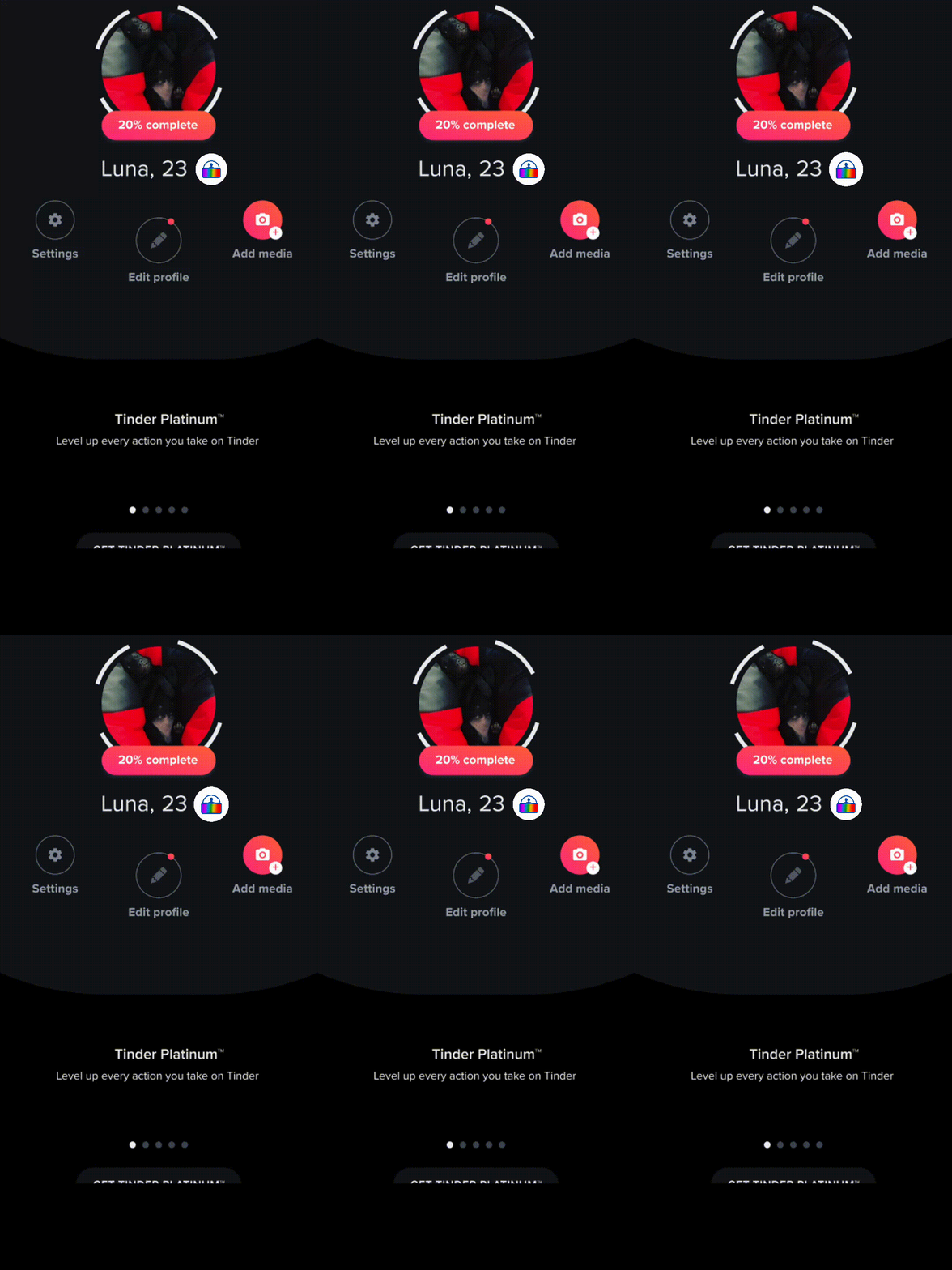
Social profile and feed showing location details and a post with a verification badge—example of trustworthy check-ins and reviews
Location & reviews

Check-ins & reviews

Show you really were there—“I really am having a gelato in Rome!”—so friends and followers can trust your updates and product reviews.
rate_review Social posts · local discovery
Dating app video selfie verification: step-by-step flow to confirm you match your photos with profile badge pending review
Dating · video chat

Video dates you can trust

On dating sites, live video should mean something—“I’m a real person and not an AI scammer!” Help us prove presence during calls, not just pixels on a screen.
videocam Dating apps · live verification
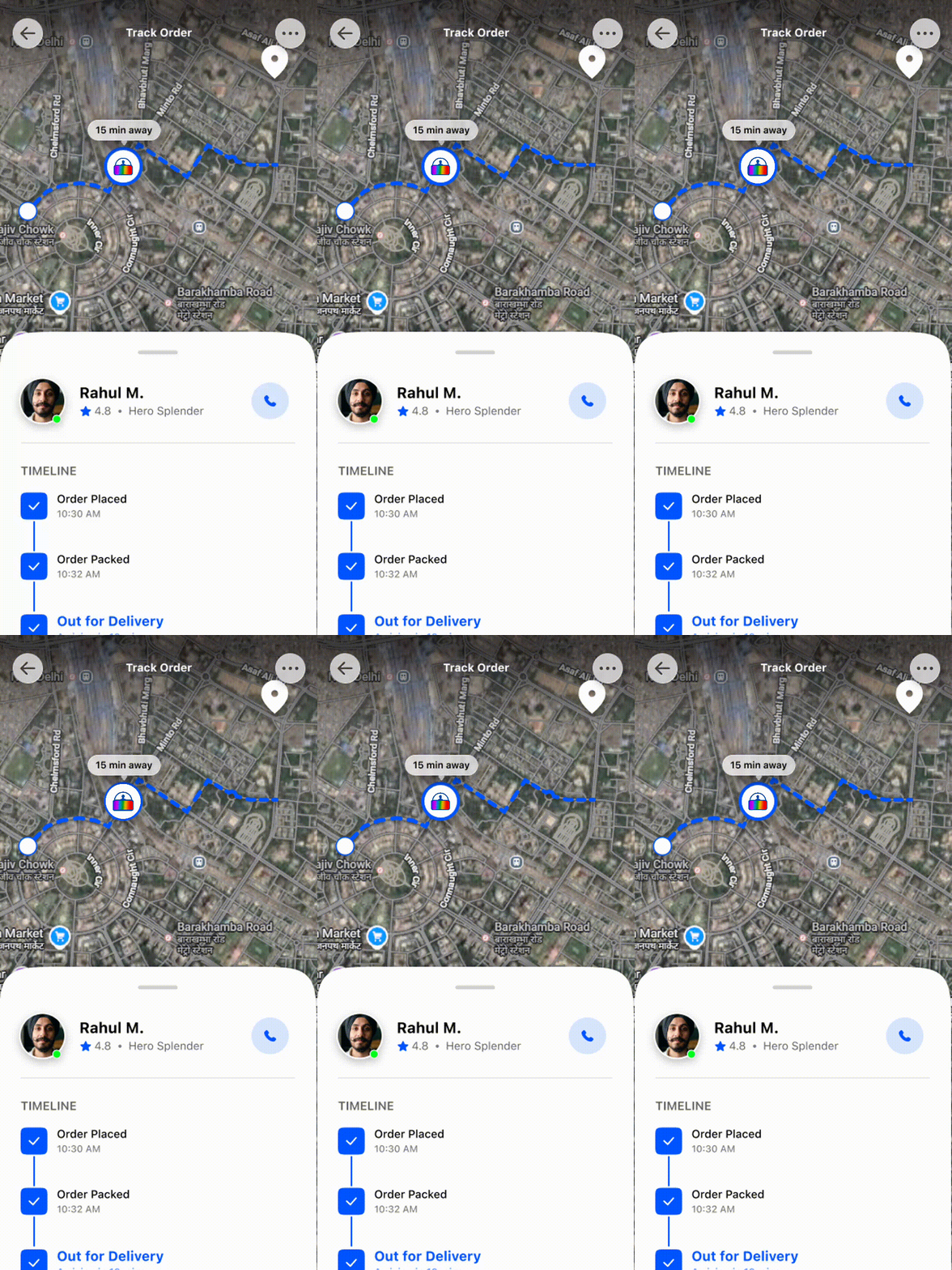
Live map order tracking with courier profile, route, ETA, and delivery timeline—example of gig work location confirmation
Gig work

On-site confirmation

Dog walking, deliveries, home services—clients want to know “this is really me walking your dog at 10 am.” Tie check-ins to a living, present worker.

pets Gig platforms · field workers

Devices

The app uses what you already carry and wear to show you’re real and present. For this MVP, you need a phone paired with a compatible wearable so biometrics can reach the app—a phone alone isn’t enough. Tap a tag for platform requirements.

Android

SecurAvatars for Android runs on Android 7.0 (Nougat) and newer — so most phones from the last several years are supported. If your device can install current apps from Google Play, you’re likely good to go.

Pair your phone with a compatible wearable so heart-rate data can reach the app; see Wearable for supported bands and watches.

iOS

You’ll need an iPhone running iOS 18.2 or later . Update to the latest iOS your model supports if you’re unsure—then install SecurAvatars from the App Store when it’s available.

Like on Android, a paired wearable is part of the MVP: some watches need a bridge app, which we list under Wearable.

Wearable

Use a band or watch paired with your phone that supports Heart Rate Profile broadcast over Bluetooth Low Energy (or otherwise matches our integrations). Exact behavior varies by vendor.

Compatible devices

  • Xiaomi Smart Band 10 (recommended)
  • Apple Watch Series 10 / Ultra 3 (with bridge app)

    Use HeartCast on iPhone and Apple Watch, allow Health access, then tap "Start" on the phone—SecurAvatars then sees live HR over Bluetooth like a standard chest strap.

  • Samsung Galaxy Watch 7 / Ultra (with bridge app)

    On the watch, install Heart for Bluetooth from Play, open it, tap start, allow body-sensor permission—it broadcasts BLE heart rate your phone (and SecurAvatars) can pick up.

  • Google Pixel Watch 3 / 4 (with bridge app)

    Prefer Heart for Bluetooth on the watch and start broadcasting—or use Connected Fitness in quick settings (heart with curved lines) to share HR with compatible phone apps.

  • Fitbit Charge 6
  • Garmin HRM-Pro and other Garmin products
  • Polar H10 and other Polar products
  • Other sport bands with Heart Rate Profile broadcast over BLE

See it in action

Install & use the build

Follow along to install the build, connect your wearable, and walk through a typical session—from download to proof-of-life in the app.

About this video

What it’s about
Why digital identities are easy to fake today, and how SecurAvatars ties your real-time body signals to your avatar so others can trust you’re present—not a bot or deepfake.
Description
A short overview of the problem (hijacked accounts and synthetic presence in social posts, dating video, and gig check-ins) and our approach: continuous proof-of-life using devices you already wear.
Length
Approximately 6 minutes

About this video

What it’s about
How to get the proof-of-concept build onto your phone, pair your wearable, and use the app end-to-end.
Description
A practical walkthrough: where to download, permissions and Bluetooth, pairing your band or watch, and what you’ll see during setup and a normal session.
Length
Approximately 1 minutes

Ready to bridge the gap
between your physical and virtual self?

Download the app below, try it out, and submit the short survey (also below). Tell us what you like and what you want. We envision future features such as skin color changes, winking/blinking, pulsating auras and other fun animations based on your feedback.

Beta feedback survey — confidential, ~6 minutes. Your answers shape what we build next.

Take the survey Google Form · opens in a new tab

Contact

Email us—we’ll get back to you as soon as we can.

shirley@suitestech.com